How to Remove products from SellerCloud both Individually and in bulk
In this article, we will discuss how to delete product from Sellercloud both in manual way and in bulk using excel or CSV file format. SellerCloud has become a popular and powerful eCommerce solution to run business successfully on diverse marketplaces. We have already posted many articles regarding Seller Cloud.  To stay updated with more … Read more

How to Set Product Status to Inactive in SellerCloud

Need to Inactive Product on Sellercloud so that it will not upload in Channel also will not available on Manage Inventory Page? Read the whole article, we will discuss the full procedure of Inactivation of Listing on Sellecloud. Sell on more leading marketplaces to boost sales and SellerCloud is dedicated to simplify your multichannel ecommerce … Read more

How to create new orders manually in SellerCloud Interface

In this documentation, we will define how to manually create new orders in SellerCloud step by step. SellerCloud is a cloud-based solution for multi-channel merchants. Manage your inventory, orders, and much more! Usually, SellerCloud synced the order from the marketplaces that are integrated with SellerCloud. There are some marketplaces that are not integrated with SellerCloud … Read more

Add Item on Sellercloud by cloning/copying information from another product

This article will demonstrate the process of cloning or copying product information and create another product with the copied information. SellerCloud lets you create a new products by clicking the Add New Product from the inventory tab. In the following article, we have shown adding products on SellerCloud. SellerCloud also offers item addition in bulk … Read more

Import Channel Specific Images in SellerCloud

In this article, we will discuss how to add channel-specific images in SellerCloud both manually from SellerCloud dashboard and using CSV file in bulk SellerCloud is seamlessly integrated with all of the leading marketplaces that enables eCommerce sellers to sell everywhere. Images play an important role in any catalog. SellerCloud also hosts the images of … Read more

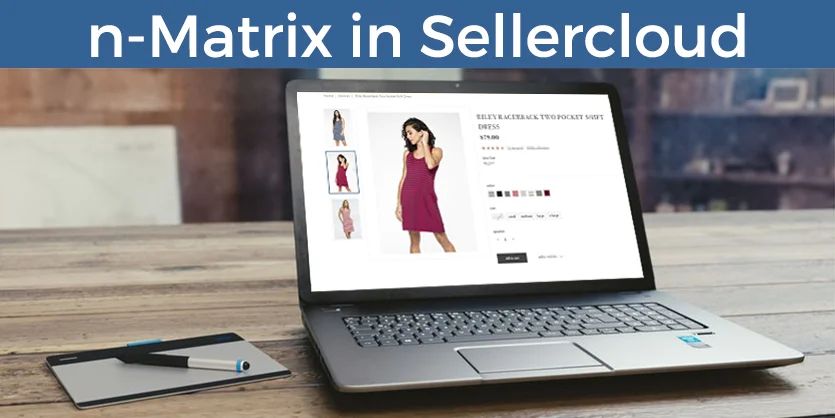
What is n-Matrix and how to define n-Matrix in Sellercloud?

This article is about n-Matrix and procedure to define n-Matrix in Sellercloud both manually and through excel feed file in bulk. In SellerCloud, the variation of items is known as n-Matrix. Same product can be available in different colors, sizes, widths, packs and others. Vendors assign separate SKUs for their slightly different types of products. … Read more