

Before your dream of selling on Amazon becomes a reality, there’s one essential step that decides how soon you can actually launch your store.
Amazon isn’t just a marketplace; it’s a trust-driven ecosystem. To protect buyers and ensure seller authenticity, it requires every new account to submit a few key documents for approval. It’s not difficult, but missing or mismatched details can keep your account on hold for weeks.
Whether you’re an individual seller or running a registered business, having your paperwork ready means you can get approved faster and start selling confidently.
In this guide, we’ll walk you through every document you need to start selling on Amazon in 2025, and share simple tips to avoid the mistakes that delay most new sellers.
Table of Contents:
| 1. Ready to Start Selling on Amazon? |
| 2. What Are the Documents Needed to Open an Amazon Seller Account? |
| 3. Common Challenges Sellers Face During Verification |
| 4. Most Common Reasons for Delayed Approval |
| 5. Best Practices for Submitting Amazon Seller Documents |
| 6. Set Payment & Tax Information to Getting Paid Smoothly |
| 7. Brand Ownership & Product Compliance |
| 8. The Often-Missed Step in the Amazon Verification Process |
| 9. Get Verified and Start Selling on Amazon |
Ready to Start Selling on Amazon?
Before listing your first product, Amazon needs to confirm that you’re a legitimate seller. This process is known as Amazon Seller Verification, and it’s mandatory for everyone, whether you’re an individual entrepreneur or a registered business.
In 2025, Amazon’s verification system will have become more advanced and automated. It checks three main areas: your identity, your address, and your business and tax information. These checks ensure that customers are buying from trusted sellers who meet Amazon’s compliance standards.
You can’t list a single product or receive payments until this verification is complete. That’s why preparing your documents ahead of time is the smartest move you can make; it saves time, prevents approval delays, and keeps your store setup stress-free.
What Are the Documents Needed to Open an Amazon Seller Account?
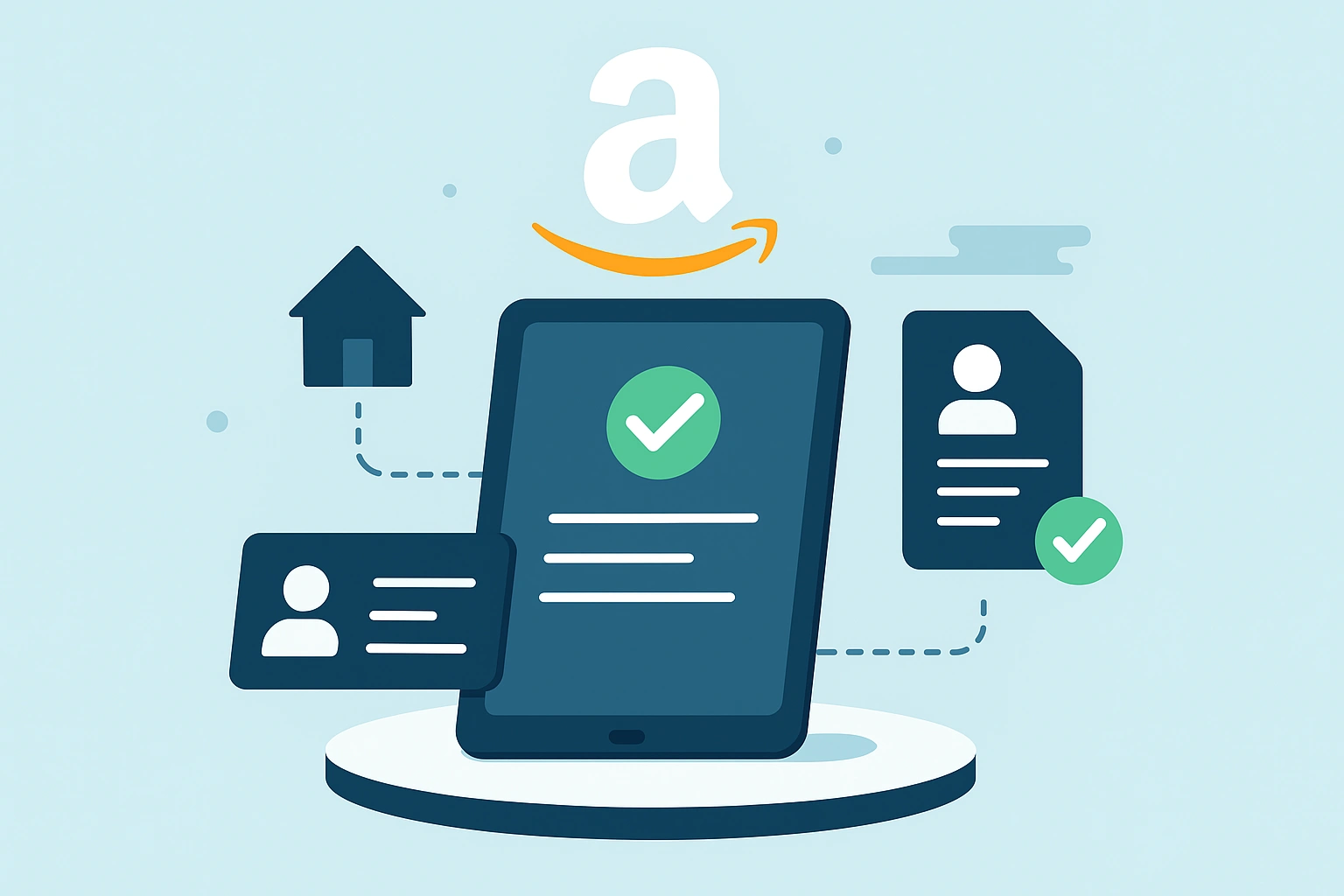
Before you can officially start selling, Amazon needs to verify who you are and how your business operates. The required documents vary slightly depending on whether you’re registering as an individual seller or a registered company. Still, the goal is the same — to confirm your identity, address, and payment legitimacy.
For Individual Sellers:
If you’re selling under your personal name, you’ll need:
- A government-issued photo ID (passport, national ID, or driver’s license)
- A proof of address (utility bill or bank statement)
- A bank account in your name
- A valid credit or debit card for payment verification
- A tax identification number (if required in your country)
For Registered Businesses:
If you operate under a company name, you’ll need:
- A business registration certificate or trade license
- EIN, VAT, TIN, or other tax documents
- A business bank account statement
- A proof of business address (utility bill, lease, etc.)
- An authorized representative’s ID (owner or director)
Pro Tip: Ensure your legal business name matches your registration and banking details exactly. Even a small mismatch (like “Ltd.” vs. “Limited”) can cause verification delays.
Once you have these ready, you’re already ahead of most new sellers who get stuck in verification loops.
Common Challenges Sellers Face During Verification
Amazon’s verification system is designed to protect both sellers and customers, but for many newcomers, it can feel like a frustrating waiting game. The truth is, most verification delays come down to avoidable document issues, not Amazon being slow.
Here are the most common challenges sellers face:
- Mismatched Information: Your name, address, or business details on the document don’t match what you entered in Seller Central. Even small spelling differences can cause rejections.
- Partial or Cropped Uploads: Sellers often upload screenshots or incomplete pages instead of full, high-quality scans. Amazon needs to see every detail.
- Expired IDs: Using an outdated passport or driver’s license instantly flags your application.
- Address Discrepancies: City names, postal codes, or building numbers must match across all documents.
- Missing Tax Details: Forgetting to add a tax number or document can pause your approval indefinitely.
Pro Insight: Treat your verification like a puzzle; every piece must fit perfectly. If one document doesn’t match, the whole process gets delayed.
Most Common Reasons for Delayed Approval
Once you’ve submitted your application, Amazon’s system begins reviewing your documents, and that’s where many sellers hit unexpected roadblocks. Even small technical or formatting issues can put your account on hold for days or even weeks.
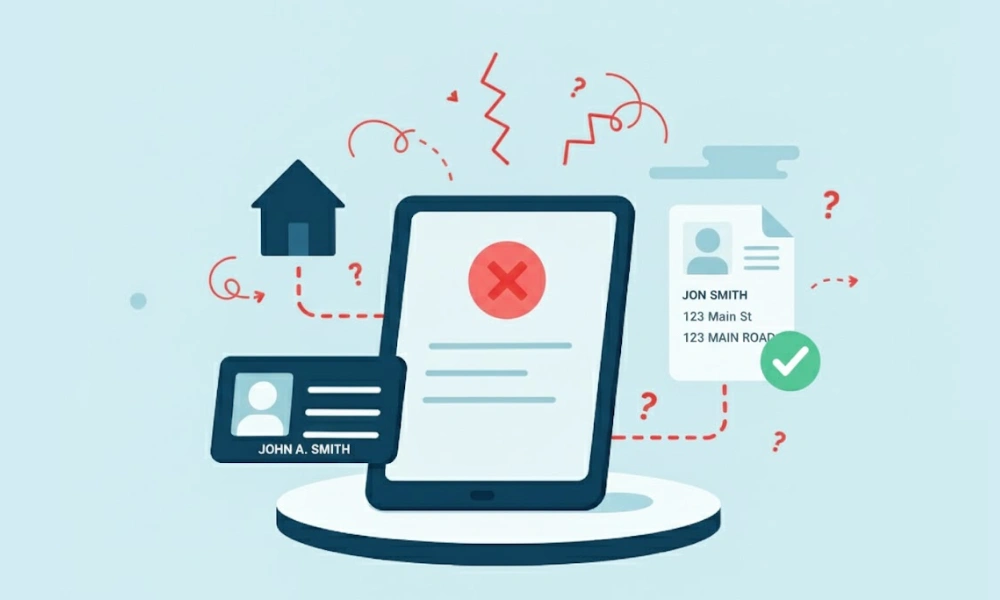
- Document Discrepancies: When the name or address on your ID doesn’t match your utility bill or business registration, Amazon’s system flags it for manual review.
- Poor Document Quality: Blurry scans, glare, shadows, or low resolution make documents unreadable — and Amazon will ask you to resubmit.
- Address Proof Issues: If your utility bill or statement doesn’t clearly show your name and full address, it won’t be accepted.
- Technical Upload Errors: Incomplete uploads or unsupported file types can cause automatic rejections.
- Video Verification Fails: During the live call, poor lighting, unstable internet, or inconsistent background details can cause Amazon to pause the process.
- Before uploading, use tools like ChatGPT Vision or OCR readers to check if your documents are clear and text-recognizable, just like Amazon’s system will do.
By catching these small issues early, you’ll avoid the most common verification delays and move one step closer to launching your store.
Thinking About Hiring an Expert?
Ecomclips’ Partners Achieve an Average 85% Profit Increase!
Best Practices for Submitting Amazon Seller Documents
By this stage, you already know what documents Amazon needs. Now let’s talk about how to submit them correctly. A clean, consistent submission process is the key to fast approval.
- Match All Details Exactly: Ensure the information on your ID, utility bill, and Seller Central form is identical, including spacing, abbreviations, and capitalization.
- Use Recent Documents: Amazon prefers documents issued within the last 90 days. Anything older may be rejected.
- Upload Full-Page, Color Copies: Avoid cropped edges or screenshots. Clear, high-quality images increase approval speed.
- Avoid Scanned Screenshots: Upload original digital statements or high-resolution scans instead.
- Keep Backup Copies: Save all files in one folder, this makes re-submissions quick if Amazon requests clarifications.
🧾 Mini Checklist:
✓ All details match exactly
✓ Documents are valid and recent
✓ Full-page color copies ready
✓ High resolution (no blur or glare)
✓ Backup copies stored safely
Getting these simple details right can turn a week-long verification process into just a few days.
Set Payment & Tax Information — Getting Paid Smoothly
Once your account is verified, the next important step is setting up how you’ll get paid. Amazon only releases funds to verified, compliant accounts, so your payment and tax setup must be accurate from the start.
- Bank Account in the Same Name: Your registered seller name must match the name on your bank account. Mismatched names often cause payout holds.
- Credit or Debit Card Verification: A valid, active card is required for identity checks and billing fees.
- Tax Documentation by Region:
- U.S. Sellers: W-9 (for citizens) or W-8BEN (for foreign individuals)
- UK/EU Sellers: VAT registration
- India, Australia, etc.: GST or equivalent local tax ID
If you sell internationally, set up a global bank account through services like Payoneer or Wise. They make receiving payments in multiple currencies simple and help you avoid unnecessary conversion fees.

When your tax and payment information align perfectly with your seller profile, you ensure a steady cash flow, the lifeline of any successful Amazon business.
Brand Ownership & Product Compliance
If you’re serious about building a long-term Amazon business, protecting your brand and ensuring compliance isn’t optional—it’s essential. Amazon’s marketplace values authenticity, and every seller must prove their right to sell a product.
For brand owners, this means submitting your Trademark Registration Certificate to qualify for the Amazon Brand Registry. This gives you access to powerful tools like A+ Content, Brand Analytics, and counterfeit protection, helping you stand out and safeguard your brand identity.
If you’re a reseller or distributor, you’ll need a Brand Authorization Letter from the manufacturer or rights holder. Without it, your listings could be flagged or removed.
You may also be asked to provide product compliance documents, depending on your category, like FDA approvals for cosmetics, CE certificates for electronics, or safety test reports for toys and baby products.
Case Example: A skincare brand once faced a 30-day delay because it waited for FDA clearance after applying. Once they pre-submitted the document, their listings went live within 48 hours.
The Often-Missed Step in the Amazon Verification Process
Many new sellers breeze through uploading IDs and tax documents, only to get stuck at the address verification stage. This small yet crucial step often causes the longest delays in Amazon’s approval process.
In certain regions, Amazon sends a postcard containing a unique verification code to your registered business or residential address. You must enter this code into Seller Central to confirm your physical location. Failing to complete this step promptly can keep your account in “pending” status for weeks.
If your country doesn’t use postcard verification, you’ll still need to submit acceptable proof of address, such as a recent utility bill, lease agreement, or property tax receipt. Make sure the document clearly displays your name and full address, exactly as it appears on your ID and Amazon account.
Common Mistake: Uploading cropped screenshots or online statements that don’t show the complete page or official stamp. Amazon’s system often rejects them automatically.
Pro Tip: Always double-check that your address format matches your ID, avoid abbreviations (like “Rd” instead of “Road”) or spelling variations. Even minor differences can lead to unnecessary delays.
Address verification might seem simple, but it’s one of the final gateways to activation. Get it right, and your journey to becoming an Amazon seller officially begins.
Frequently Asked Questions
Q. How long does Amazon take to approve documents?
Document verification typically takes 24–48 hours, but it can extend up to 5 business days if additional checks are required. Make sure all your documents are clear, complete, and match the information on your Seller Central application to avoid delays.
Q. Can I use a family member’s ID or bank account to register?
No — Amazon requires that the seller’s ID, bank account, and tax information all belong to the same person or business entity. Using someone else’s credentials can cause verification failure or even account suspension.
Q. What happens if my verification fails?
If Amazon rejects your documents, don’t panic. You’ll receive an email explaining what needs correction. Review your submission carefully, fix the issue (such as mismatched details or unclear scans), and re-upload.
Q. Do I need a business license to sell as an individual?
Not necessarily. Individual sellers can start with personal identification and tax information, but if you plan to grow your store or sell under a brand name, registering a business is highly recommended for long-term success.
Q. Can I sell products before my account is verified?
No. You must complete the entire verification process before you can list or sell products on Amazon. Only after approval will you gain full access to Seller Central features like product listing, inventory management, and payments.
Get Verified and Start Selling on Amazon
Getting started on Amazon isn’t just about listing a product; it’s about laying a solid foundation of trust, compliance, and readiness. Once your documents are verified, you officially step into one of the world’s most powerful eCommerce ecosystems.
Think of documentation not as a formality, but as your ticket to global business freedom. Each verified detail — from ID and bank info to brand and compliance papers — brings you one step closer to reaching millions of potential customers worldwide.
If your documents are prepared properly, Amazon’s approval process becomes quick, smooth, and stress-free, letting you move straight to product listing and marketing.
How Ecomclips Helps You Get Verified and Start Selling on Amazon
- Account Setup Strategy: We guide you through every step of Amazon seller registration — from choosing the right marketplace and plan to ensuring your documentation meets Amazon’s regional standards.
- Document Preparation & Verification: Our experts help you prepare, format, and verify all required documents — including business licenses, tax IDs, bank statements, and identity proofs — so your application gets approved without delays.
- Address & Identity Verification Support: We assist with Amazon’s video call or postcard verification process to ensure your address and identity are validated smoothly the first time.
- Brand Registry Assistance: If you’re launching a private label or own your brand, we help you register your brand on Amazon for added protection and access to A+ content features.
- Product Compliance Documentation: Ecomclips ensures your product listings meet Amazon’s compliance requirements — from safety certificates to labeling — minimizing suspension risks.
- Tax & Payment Setup: We assist in linking your bank account, verifying tax information, and configuring payment preferences to ensure your payouts run seamlessly.
- Ongoing Seller Support: Even after approval, our team monitors your account health, documentation updates, and compliance changes to keep your seller profile active and secure.
At Ecomclips, we’ve helped countless new sellers get verified faster through our Amazon account setup
and verification service. Our experts handle every step, document review, formatting, submission, and follow-up, so you can focus on what matters most: growing your brand.
Contact us today at info@ecomclips.com or book an appointment with our Amazon experts to get personalized guidance for your account setup.
Watch how we help new sellers launch successfully:
How I Ranked a Brand-New Amazon Product on Page 1
The Shady Truth About Amazon Basics
Amazon Sellers: Steal 30% of Competitor Sales with This Hack
3 Easy Ways to Add Variations on Amazon in 2025
How REAL USA Brands Grow to 7 Figures on Amazon
Ecomclips: Your Complete eCommerce Solution Under One Umbrella
At Ecomclips, we bring every eCommerce service you need under one roof — strategy, operations, design, marketing, and growth, all seamlessly connected to help your brand thrive across every marketplace.
Since 2012, we’ve been helping businesses of all sizes launch, scale, and dominate online. From Amazon, Walmart, eBay, and Etsy to Shopify and WooCommerce, our team of marketplace experts, designers, developers, and marketers works together to deliver measurable results.
Our services span the full eCommerce lifecycle:
- Account Setup & Product Listing Management: We handle registrations, compliance, and product data optimization across all marketplaces.
- Amazon Optimization Service: From keyword-rich titles and A+ content to PPC campaigns and storefront design, we craft listings that convert.
- Creative Design & Content Production: A+ visuals, infographics, brand stores, and product videos built to boost engagement.
- Advertising & PPC Management: Smart, data-driven ad strategies for Amazon, Walmart, and Google that maximize ROI.
- Web Development & Store Design: Shopify, WooCommerce, and Magento websites built for performance and conversion.
- Data Management & Automation: Streamlined product feeds, catalog syncing, and inventory control for effortless scalability.
- Customer Service & Order Fulfillment: End-to-end support that enhances customer satisfaction and builds long-term loyalty.
- Analytics & Growth Strategy: Real-time insights and ongoing optimization to ensure consistent, profitable growth.
Whether you’re launching a new store or managing multiple global marketplaces, Ecomclips acts as your single strategic partner, simplifying complexity and driving sustainable revenue growth.
Ready to Start Growing Your Brand?
Ecomclips’ Partners Achieve an Average 85% Profit Increase!