
Amazon listing images are very important, as most online shoppers rely on high-quality product photography. The visual perspective of the product is fundamental. Without a quality image, you are unlikely to attract potential customers. If you’re having trouble finding the right product images, this guide will help. This article explains Amazon listing photo dimensions, Amazon listing photo requirements, and gives you the definitive Amazon listing photo guide in a familiar way.
Choose correct product photo for Amazon listing:
When you start choosing images for your product listings, relevance should be your priority. To meet Amazon’s listing requirements, your photo must accurately represent the product and title. Product titles put your product in front of potential customers, and bullet points help you sell your product, but it’s the product’s visibility that drives shoppers to click through Amazon’s search results to find current listings. Photos, especially the main image.
Image Requirements for Amazon Listings:
Each Amazon store detail page must have at least one product image. We recommend providing 6 images and 1 video. A good photo makes it easier for customers to evaluate your product. Images should be clear, informative, and engaging. The first image on the product detail page is the “main” image, which customers see when searching. The main image should only show the product you are selling on a white background, and the product should fill the entire image frame. Additional images should show the product in use or in the environment from different angles with different features.
Amazon standard size for all product images:
- Images must accurately represent the product you are selling.
- The image should match the product title.
- The product must occupy at least 85% of the image.
- For the best zoom experience on the details page, the longest side of your file should be at least 1600 pixels. Zoom has been shown to help increase sales. If this requirement is not met, the file must be 1000 pixels or fewer on Zoom and 500 pixels or fewer on the website.
- Images cannot exceed 10,000 pixels on the longest side.
- The image must be in JPEG (.jpg or .jpeg), TIFF (.tif), PNG (.png), or GIF (.gif) file format. JPEG is recommended. Our server does not support animated.GIF.
- Images should not be blurry, pixelated, or have jagged edges.
- Images must not contain nudity or sexual content. Children’s and babies’ leotards, underwear, and swimwear may not appear on the human body model.
- Images must not contain any Amazon logos or marks, variations, modifications, or anything confusingly similar to Amazon’s logos or marks. This includes, but is not limited to, words or logos that include the terms AMAZON, PRIME, ALEXA, or the Amazon Smile theme.
- Images must not contain any badges, variations, modifications, or anything confusingly similar to any badges used by Amazon. These include “Amazon’s Choice”, “Premium Choice”, “Amazon Alexa”, “Works with Amazon Alexa”, “Bestseller” or “Top seller”.
Different forms of Amazon product images:
Once you understand the technical requirements for Amazon listing images, you can move on to image types. Choosing good quality photos is not enough. We also need diversity. Multiple shapes appeal to different buyers. If you need to remember Amazon’s image requirements, follow the guidelines above.
Amazon main image
The main product image is the first photo that customers see when they see your product in search results on Amazon. It is of utmost importance that your main image captivates your customers while meeting the above requirements. Note that if a customer is somehow confused about what’s included in their purchase, they can simply click on another listing. It’s easy to lose sales because of inappropriate images.
One of the most important requirements for the main image is that the background should be all white, except accessories, props, extra text, logos, watermarks, or inset images. Essentially, your main image should be a no-frills, but high-quality mugshot of your product.
It looks like this:

Infographic image
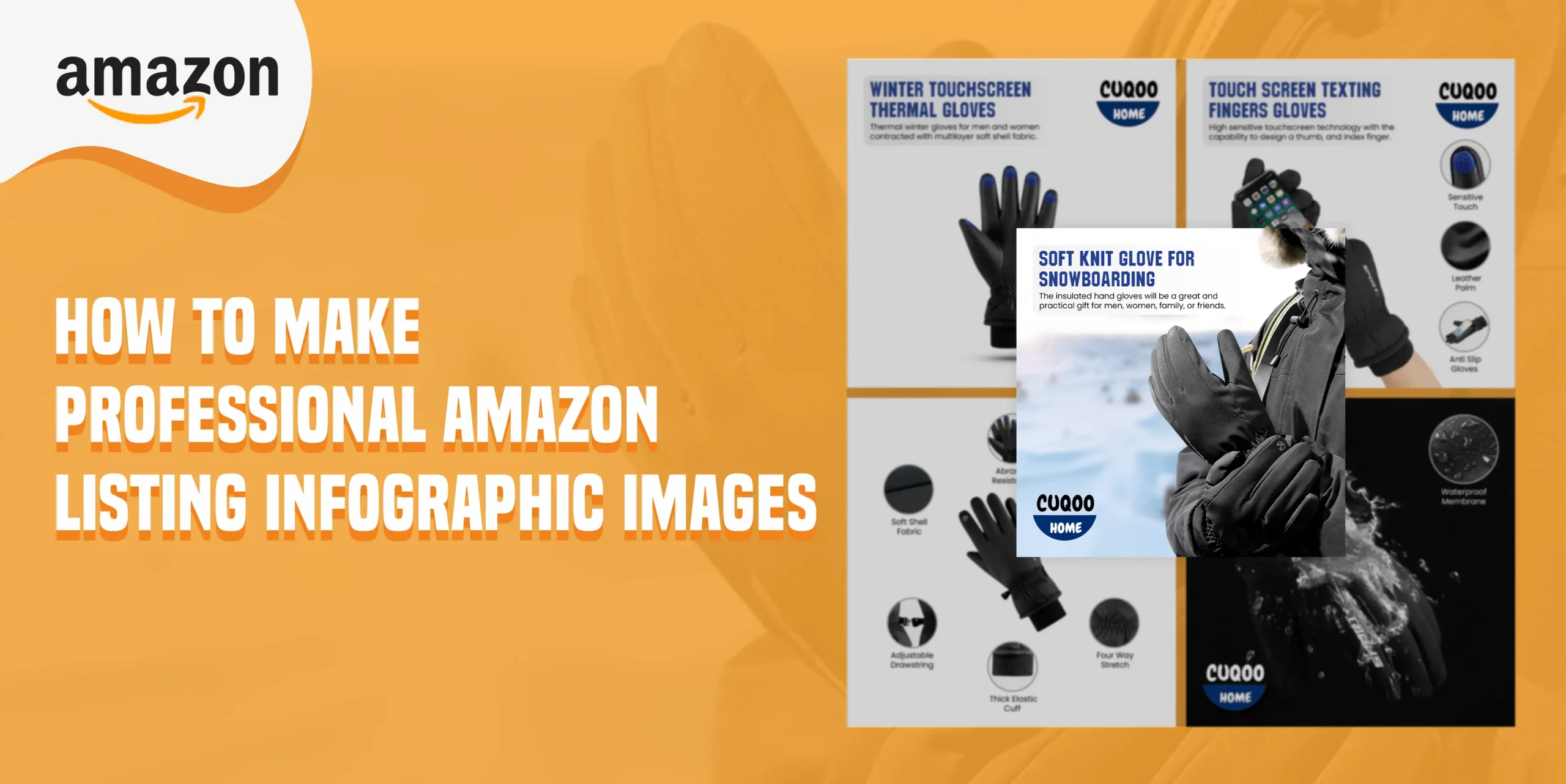
People are attracted to images, so image data can also be used. Infographics allow users to review information that confirms the usefulness of the product. These are images that highlight all of your best qualities and why they make your product the best.
It looks like this:

Lifestyle image
Show potential customers exactly what it is like to use your product and why it is relevant to their interests. Do you have a specific target group or ideal customer in mind? Include this type of person in your photo. An easy way to capture your lifestyle is by photographing yourself, your friends, or your family with your products. If you can’t capture an image of your lifestyle, you can use Photoshop to edit the person using your product. Lifestyle images are designed to showcase the actual product. Since potential buyers cannot see the product in person, these images help them imagine how the product will be used.
It looks like this:

Use relevant fonts
Good fonts is the most powerful key to get attract the audience or viewers. A good font can easily take your design high to the audience. If you design a good product listing images, but your font isn’t relevant to the product, then the design look so bad. When
you design a product like winter sport hand gloves, then you need to go with sports type of fonts.
Some Best Amazon product image tips:
Now that you understand Amazon’s image requirements, let’s take a look at some best practices for taking product photos that stand out from the competition while following the rules. Technically, you can take a picture of yourself with your smartphone and include a white background, logo, and other details that improve the conversion. Nothing beats photography. Let’s look at it from the customer’s perspective.
Which list appeals to you more:
A product that is bright and bright, or a product that is a little blurry and has strange shadows? Consider outsourcing. When looking for items to sell on Amazon, take product photography seriously and remember to consider cost. Whether you’re taking the photos yourself or hiring a professional, these helpful tips will help. This ensures that you and Amazon get the photos you need.
- FOCUS ON THE MAIN IMAGE
As mentioned above, your main product image must meet strict requirements. If you scroll through search results on Amazon, this photo will appear first, so take advantage of it.
- Make sure your product occupies 85% of the image
- Use bright, sharp, and eye-catching images to entice someone to click through to your listing
- Look at your competitors’ key images and improve your weaknesses
- Hire a professional photographer to capture your main image and some additional snapshots of your product from different angles
- UTILIZE ALL AVAILABLE IMAGE SPACE
Use all image space allowed by Amazon. Provide potential buyers with as much information as possible directly in the image.
- Introducing products from multiple perspectives
- Use models to help customers visualize using or wearing your product
- Blend additional image backgrounds for visual interest
- Add infographics and overlay dimensions
- ADD TEXT TO IMAGES
Add to photos to highlight relevant product information. Give the Amazon logo a distinctive look and feel by using regular fonts and colors. It helps to attract audience easily.
- Highlight key features/benefits of the product
- Include size, dimensions, or other important specifications
- List the materials used to make the product
- For foods and dietary supplements, show the ingredients
- ZOOM IN ON PRODUCT DETAILS
Customers can’t touch and see the product directly, so it’s important to show the product from every possible angle. To do this, we expand the various features and parts of the product.
- CREATE IDENTICAL LIFESTYLE IMAGES
Lifestyle photos are considered additional images. For this reason, a pure white background is not required. Instead, you have the opportunity to show the product in action. This is a great use of space, as shoppers’ eyes are more drawn to images than text. The idea behind lifestyle photography is to show examples of how people are using your products. Activate the part of your brain that you want to visualize. If you can see how your prospects are using your item, you increase your chances of making a sale. The best way to do this is to show people using your item.
- BEFORE & AFTER IMAGES
If your product solves a customer’s need or problem, add before and after images to show them exactly how it helps them. Talking about the benefits of a product is one thing, but showing it in action is more powerful.
- HIRE A PROFESSIONAL GRAPHIC DESIGNER
If you’re not a professional, it’s more important to hire a professional graphic designer for your product images on Amazon. Gone are the days of his DIY product photography on Amazon. To stay competitive, you need to polish your image. It costs between $200 and $400 for a professional photographer to capture the main product image plus 6 additional angles, infographics, or lifestyle images. At this point, you’ve probably already spent a lot of time and money investing in product development and inventory. Don’t risk losing sales due to poor photo quality. These initial costs will pay off in the long run.
There is a lot of knowledge in the world of image optimization. It may seem overwhelming, but with this guide in parts, it becomes much easier to manage. A general knowledge of many things is important when running a business on Amazon. Bookmark this guide and use it as a reference for new sellers. But having quality images is only part of your struggle. The rest of the battle is data-driven, and knowledge often leads to new ideas for product images. You can also use ecomclips’s Amazon Product Listing Optimizer to assess changes and determine when updates are needed. This gives you a competitive advantage as a seller. A unique combination of skills and quality photography can give your Amazon business a competitive edge!
If you find this article helpful, please do subscribe and share to help others. If you have any queries regarding Amazon listing infographic images, feel free to let us know through the comment box. We will be glad to help you with that.