
Launching a new product on Amazon is exciting, but the first 90 days can significantly influence its long-term performance. With inventory costs, advertising expenses, and pressure to generate sales, many sellers make the same mistake: they try to scale their Amazon PPC campaigns before understanding what actually works.
They increase bids, raise daily budgets, add more keywords, and launch additional campaigns to generate sales faster. However, without enough performance data, aggressive spending can quickly drain a launch budget without delivering sustainable results.
A successful Amazon product launch strategy isn’t about spending as much as possible. It’s about collecting meaningful data, identifying profitable search terms, improving listing performance, and scaling advertising based on proven results.
In this guide, we’ll explain the most common Amazon PPC launch mistakes and outline a practical 90-day Amazon product launch plan to help sellers build a stronger foundation for long-term growth.
Why the First 90 Days of an Amazon Product Launch Matter
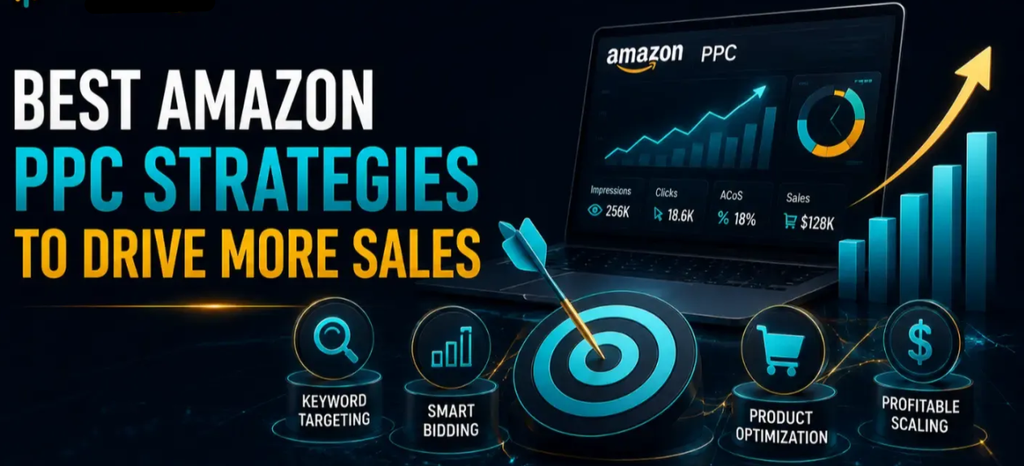
The first 90 days let you understand how shoppers respond to your product, which keywords drive relevant traffic, and which ad campaigns generate sales.
During this period, your Amazon PPC campaigns can help you evaluate:
- Which keywords and search terms generate orders
- How much you’re paying for each click
- Which campaigns deliver efficient sales
- Whether your product listing converts visitors into buyers
- Which targeting methods deserve more investment
- Where advertising spend is being wasted
The goal is to use this information to make smarter decisions as your product gains traction.
However, remember that 90 days is a planning framework, not a fixed deadline. Your results will depend on factors such as product demand, competition, pricing, inventory, and the amount of relevant traffic your campaigns receive.
4 Common Amazon PPC Mistakes During a Product Launch
1. Targeting Too Many Keywords From Day One
One of the most common Amazon product launch mistakes is trying to rank for every relevant keyword immediately.
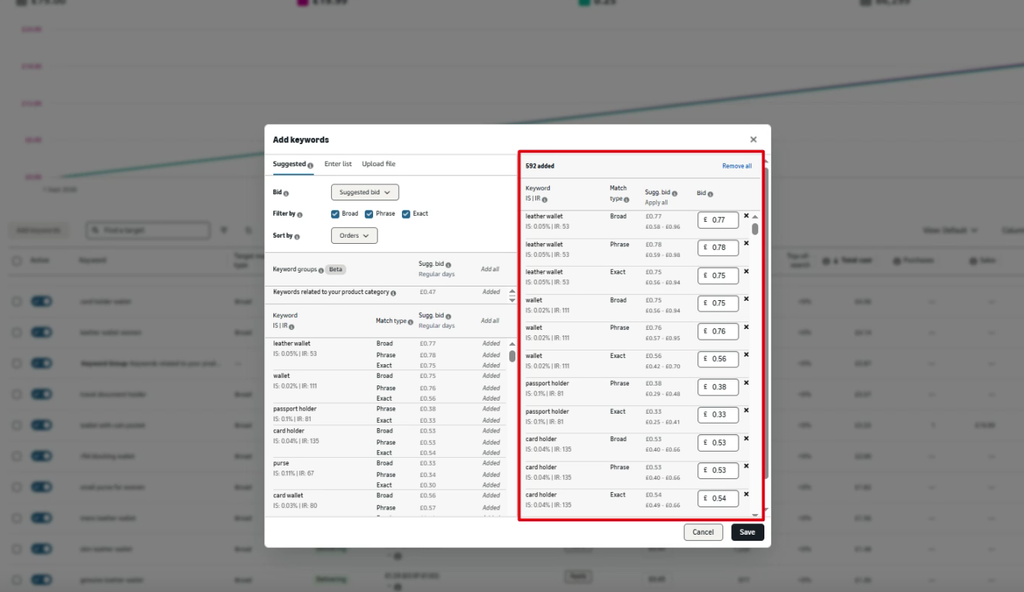
A product may have hundreds or thousands of potential keywords, but targeting all of them aggressively from the beginning can spread your advertising budget too thin. Broad, highly competitive keywords may also generate clicks without producing enough sales.
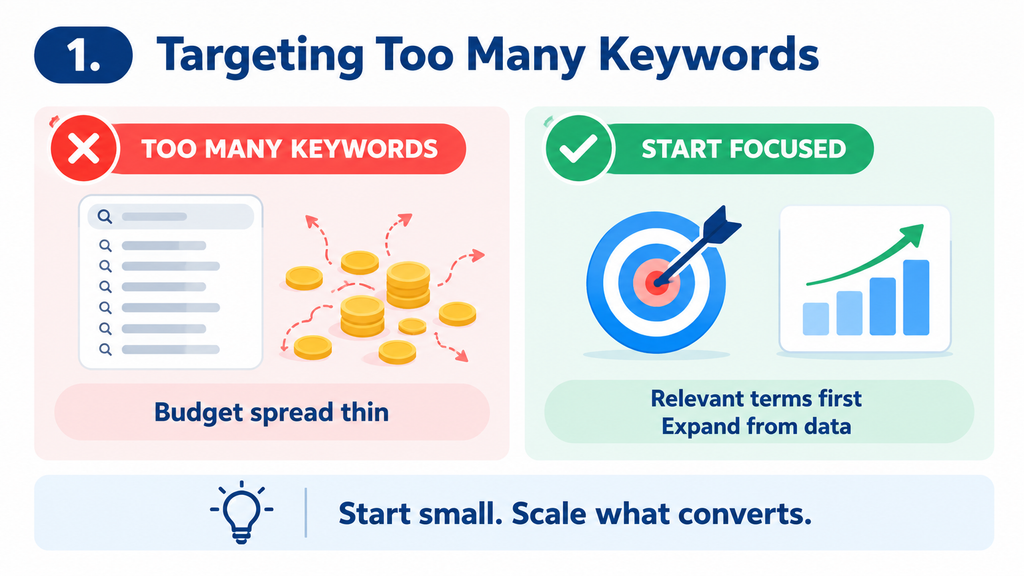
Instead, start with highly relevant keywords that closely match your product and demonstrate strong purchase intent.
For example, prioritize specific product-related search terms before investing heavily in broad category keywords. As your campaigns collect data, expand your keyword coverage based on actual performance.
Use a combination of manual keyword targeting and automatic targeting to balance relevant traffic with search-term discovery.
2. Scaling Amazon PPC Before Understanding Conversion Rates
Generating a few sales from PPC doesn’t automatically mean it’s time to increase your bids and budgets.
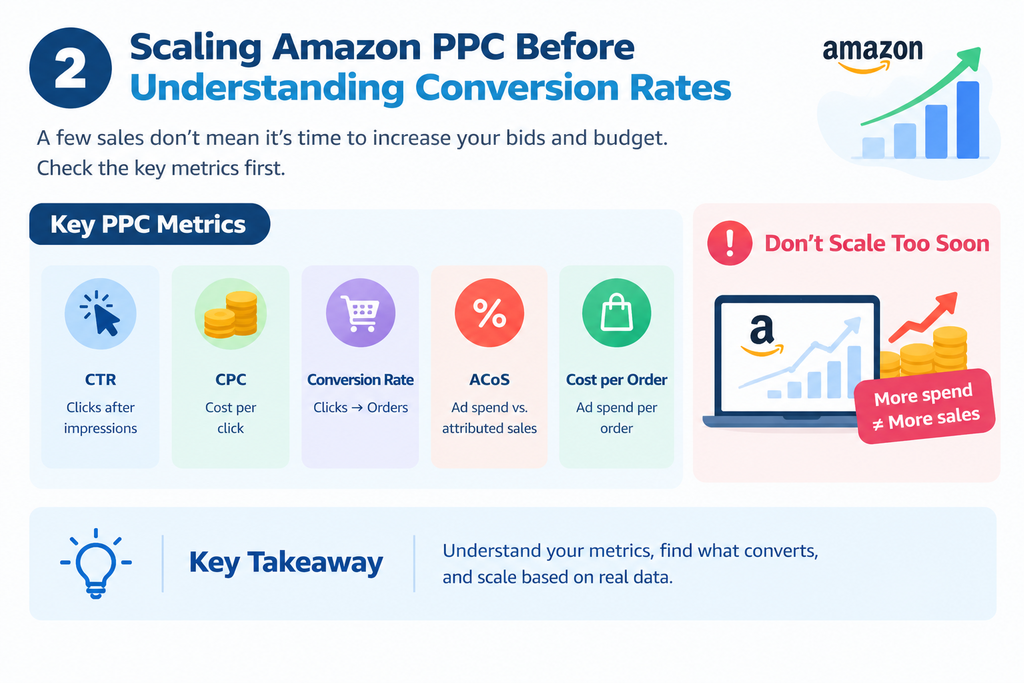
Before scaling, evaluate the metrics that explain campaign performance:
- Click-through rate (CTR): How often shoppers click after seeing your ad.
- Cost per click (CPC): How much you pay for each click.
- Conversion rate: How effectively clicks turn into orders.
- Advertising Cost of Sales (ACoS): The percentage of attributed sales spent on advertising.
- Cost per order: How much advertising spend is required to generate an order.
These metrics help you understand whether your advertising is attracting relevant shoppers and converting them efficiently.
For example, if a keyword receives clicks but doesn’t generate orders, increasing its bid may only increase your costs. You should investigate its relevance, traffic quality, listing performance, and available conversion data before making a decision.
Increase investment in proven performers gradually instead of scaling every campaign at the same time.
3. Ignoring Amazon Listing Optimization During the Launch
Your Amazon listing plays a major role in converting advertising traffic into sales. Even a well-managed PPC campaign may struggle if shoppers don’t find the product page convincing.
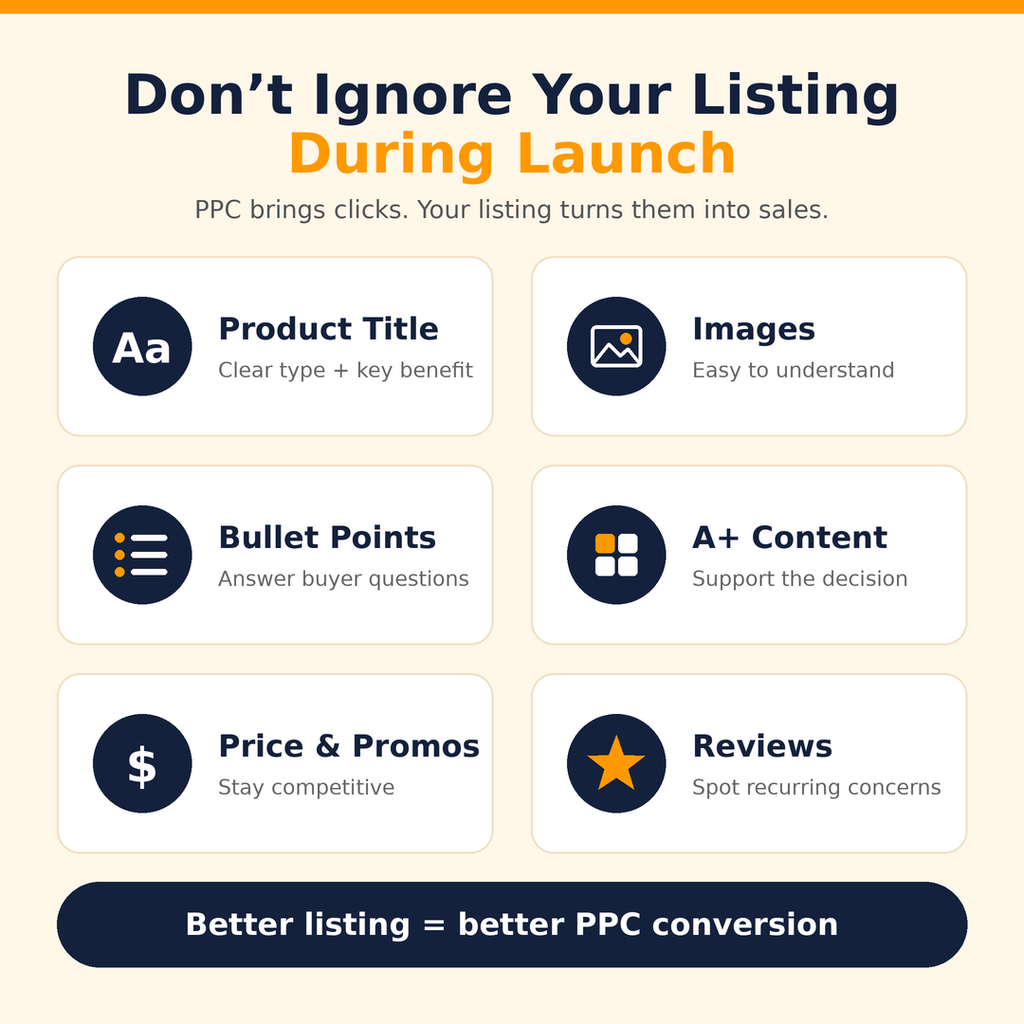
Listing optimization shouldn’t stop when your product goes live. Monitor how shoppers respond to your listing and look for opportunities to improve it.
Pay attention to:
- Product title: Clearly communicate the product type and its main benefits.
- Main image and secondary images: Make the product easy to understand and evaluate.
- Bullet points: Answer important customer questions and explain key features.
- Product description or A+ Content: Provide useful information that supports purchase decisions.
- Pricing and promotions: Evaluate whether your offer is competitive.
- Reviews and ratings: Monitor customer feedback and recurring concerns.
If your ads generate impressions and clicks but few orders, the problem may not be your bids alone. The product page, pricing, reviews, or offer could also be affecting conversion performance.
Use PPC data alongside listing analytics to identify potential improvements.
4. Making Too Many Campaign Changes Too Quickly
Another common mistake is changing bids, budgets, keywords, and campaign structures every few days.
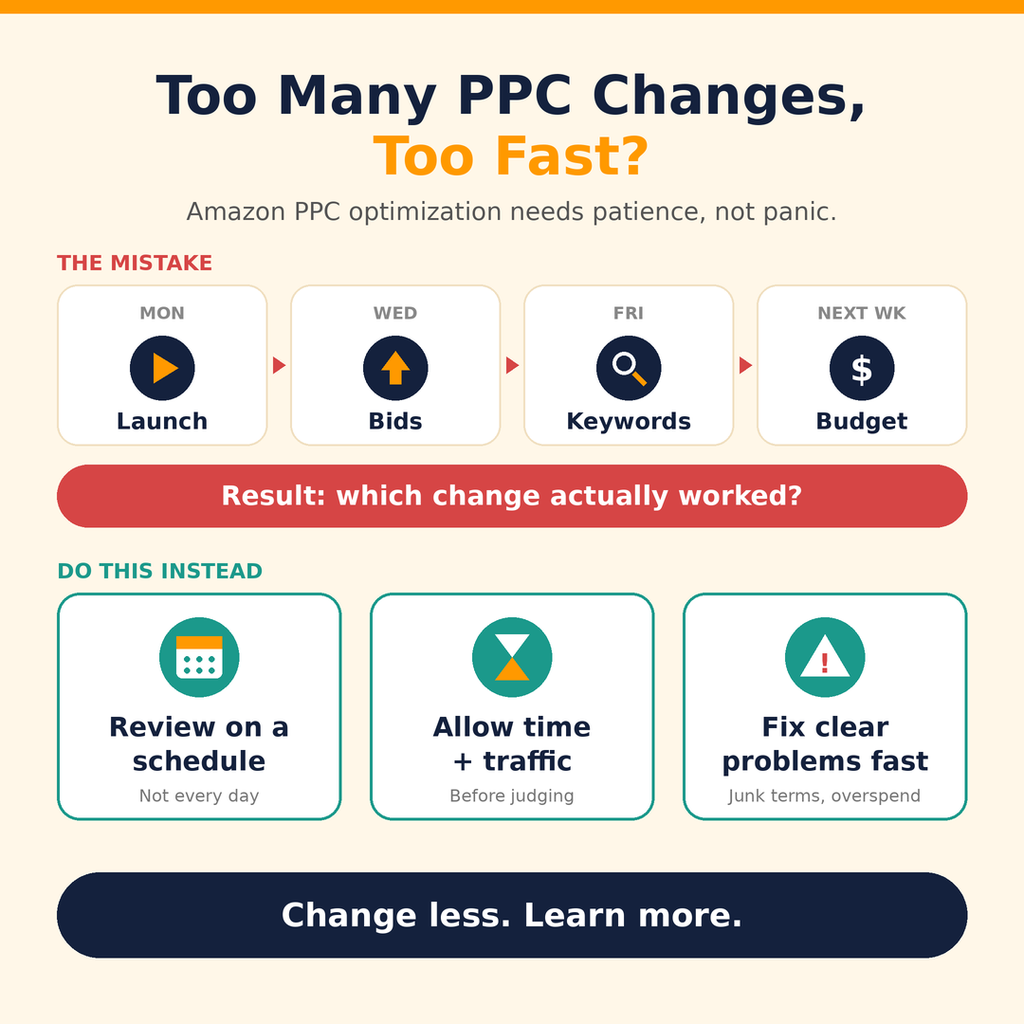
For example, a seller launches a campaign on Monday, increases bids on Wednesday, adds new keywords on Friday, and changes the budget again the following week. With so many adjustments, it becomes difficult to determine which changes actually improved performance.
Amazon PPC optimization requires regular monitoring, but that doesn’t mean every campaign needs daily adjustments.
Instead, establish a consistent review process. Allow enough time and traffic for meaningful evaluation, while still responding promptly to clear problems such as irrelevant search terms or uncontrolled spending.
Best practice: Make deliberate changes, document them, and evaluate the results before making additional adjustments.
The First 30 Days: Focus on Data Collection and Keyword Discovery
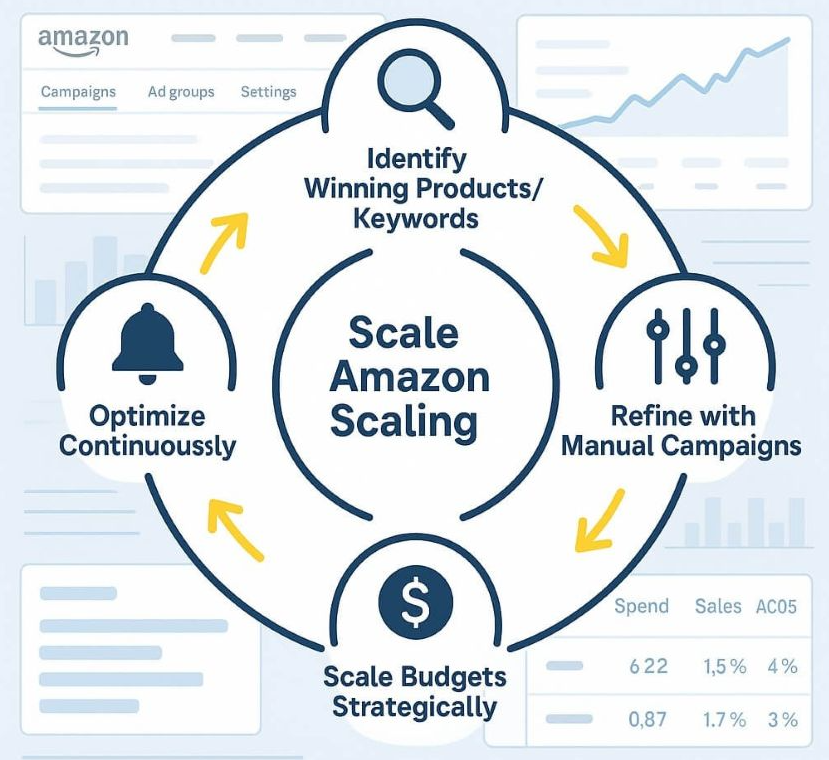
During the first month, the primary objective is to understand how shoppers discover and respond to your product.
Rather than trying to dominate competitive keywords immediately, focus on collecting useful data.
Step 1: Start With Highly Relevant Keywords
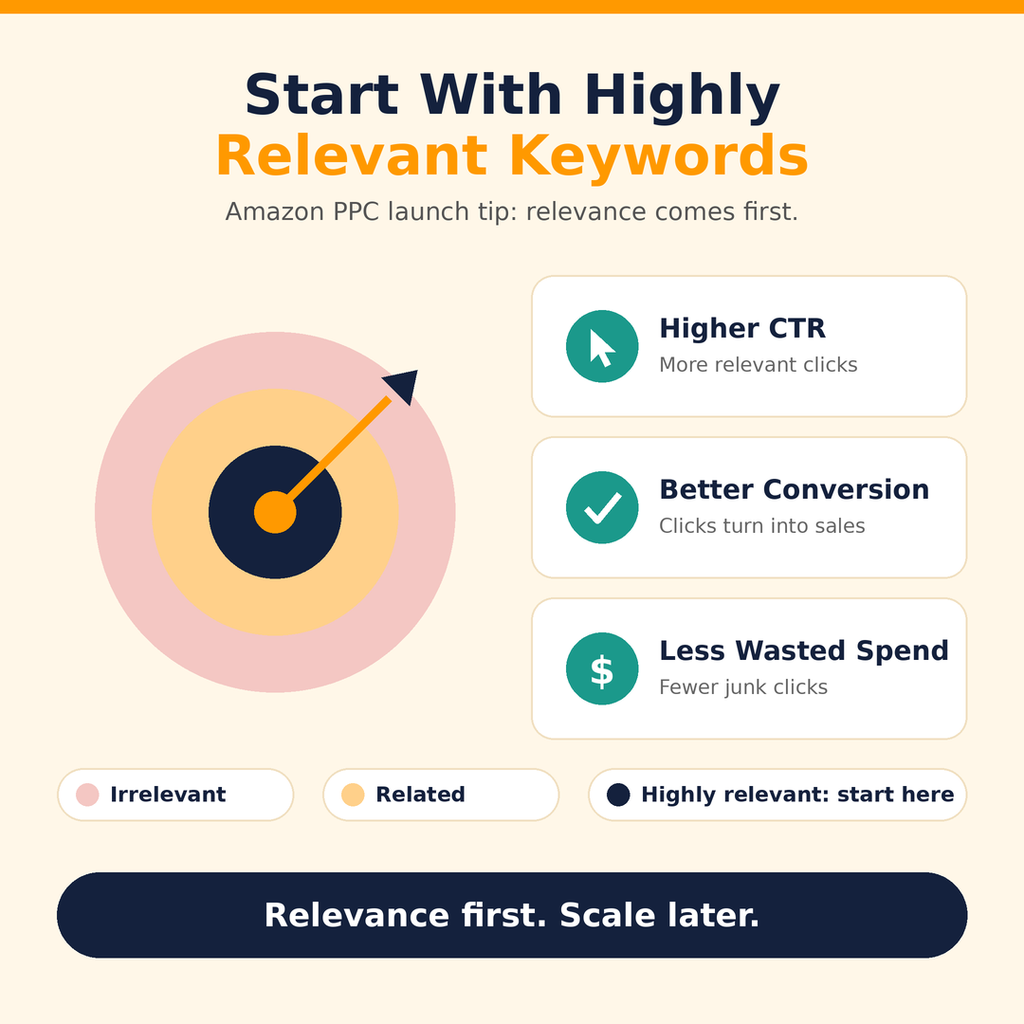
Build your initial keyword list around the product’s features, category, intended use, and customer search intent.
Prioritize terms that accurately describe what you’re selling. Add broader keywords gradually as your budget and campaign data allow.
Step 2: Use Automatic and Manual Campaigns
Amazon Sponsored Products automatic targeting can help discover relevant search terms, while manual campaigns give you more control over keyword targeting and bids.
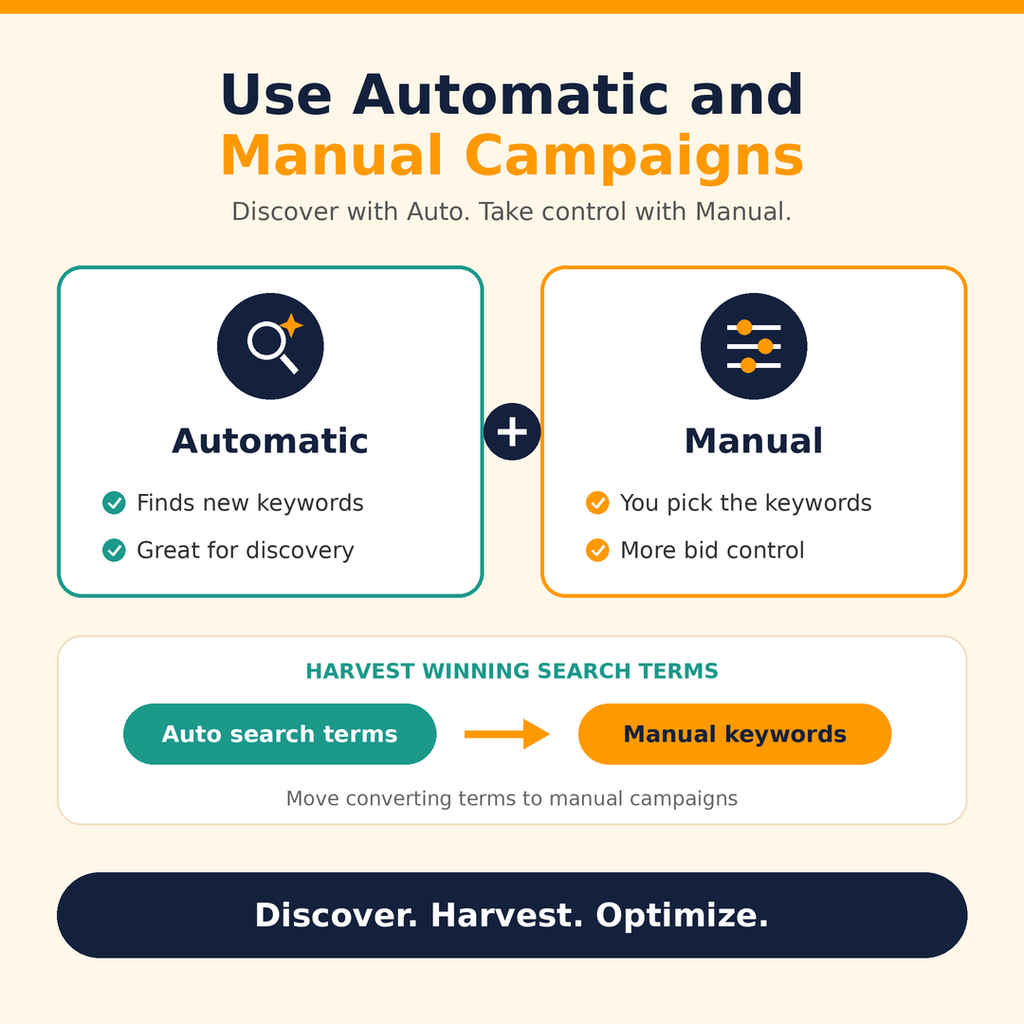
Consider using different match types where appropriate:
- Exact Match: Targets searches closely matching a specific keyword.
- Phrase Match: Helps explore searches containing a keyword phrase.
- Broad Match: Provides wider keyword discovery and can reach related searches.
Each match type serves a different purpose. Use Broad Match for discovery while monitoring search-term relevance and spending.
Step 3: Review the Search Term Report
The Search Term Report is one of the most useful tools for understanding what shoppers actually searched for before clicking your ads.
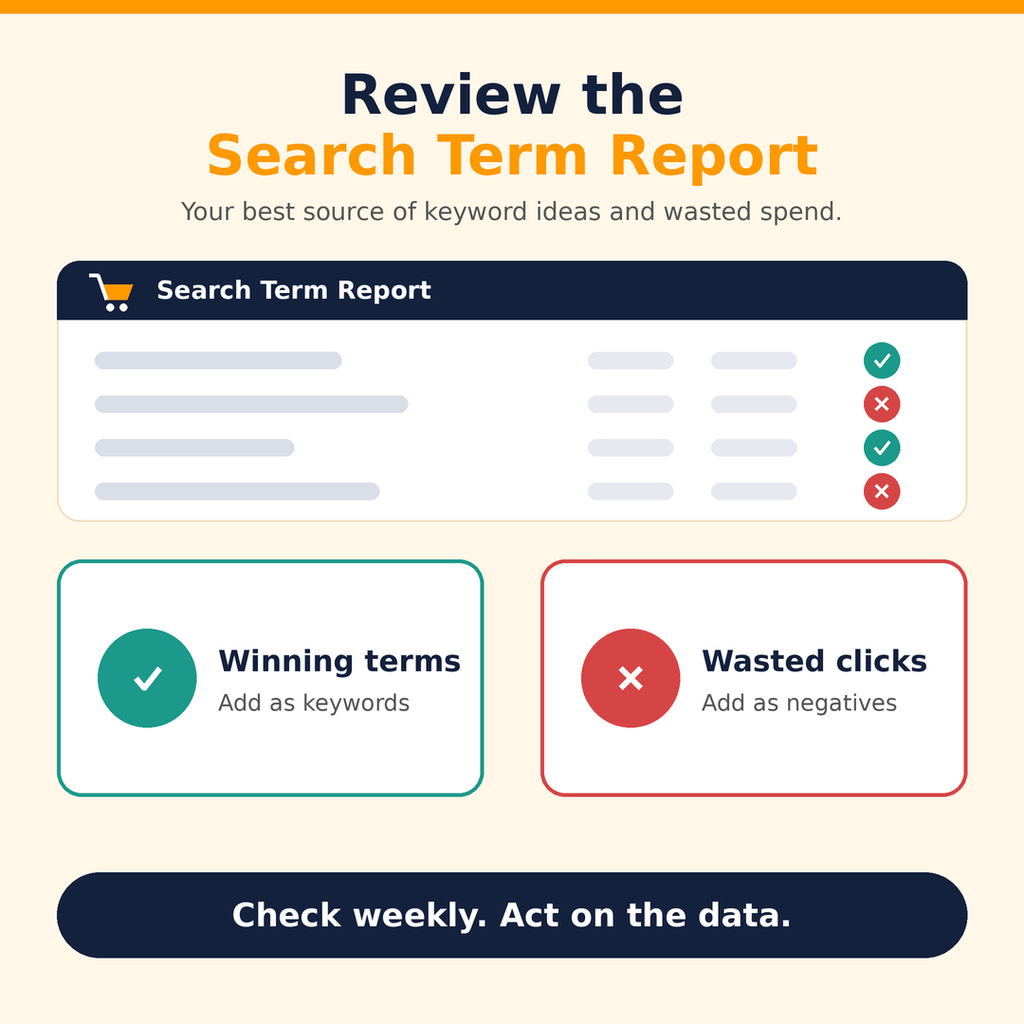
Review it regularly to identify:
- Search terms that generate orders
- Search terms with strong click activity but no sales
- Irrelevant searches consuming budget
- New keyword opportunities
- Terms that may deserve dedicated campaigns
During the first 30 days, focus on answering one important question: Which search terms are bringing relevant shoppers to my product?
The amount of data available will vary, so avoid drawing strong conclusions from only a handful of clicks or impressions.
Days 31–60: Optimize Campaigns Based on Performance
Once you have collected enough data, shift your focus from discovery to optimization.
The goal is to separate stronger opportunities from campaigns and keywords that need improvement.
1. Increase Investment in Proven Keywords
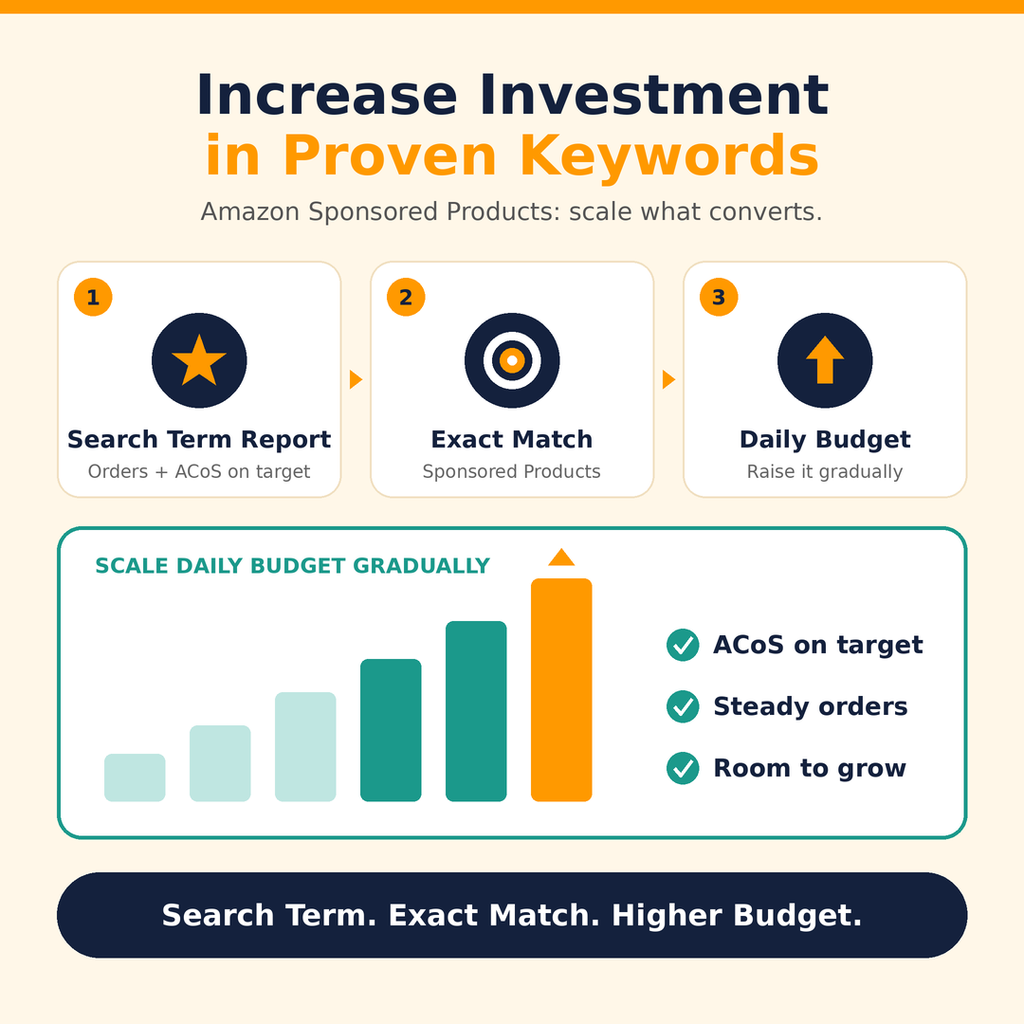
Identify search terms that consistently generate relevant orders and meet your advertising efficiency goals.
Consider moving these terms into dedicated manual campaigns, including Exact Match campaigns when appropriate. This can provide more control over bids, budgets, and performance analysis.
Gradually increase budgets for campaigns that demonstrate reliable results and have room to grow.
2. Reduce Wasteful Advertising Spend
Review keywords and search terms that spend money without generating sales.
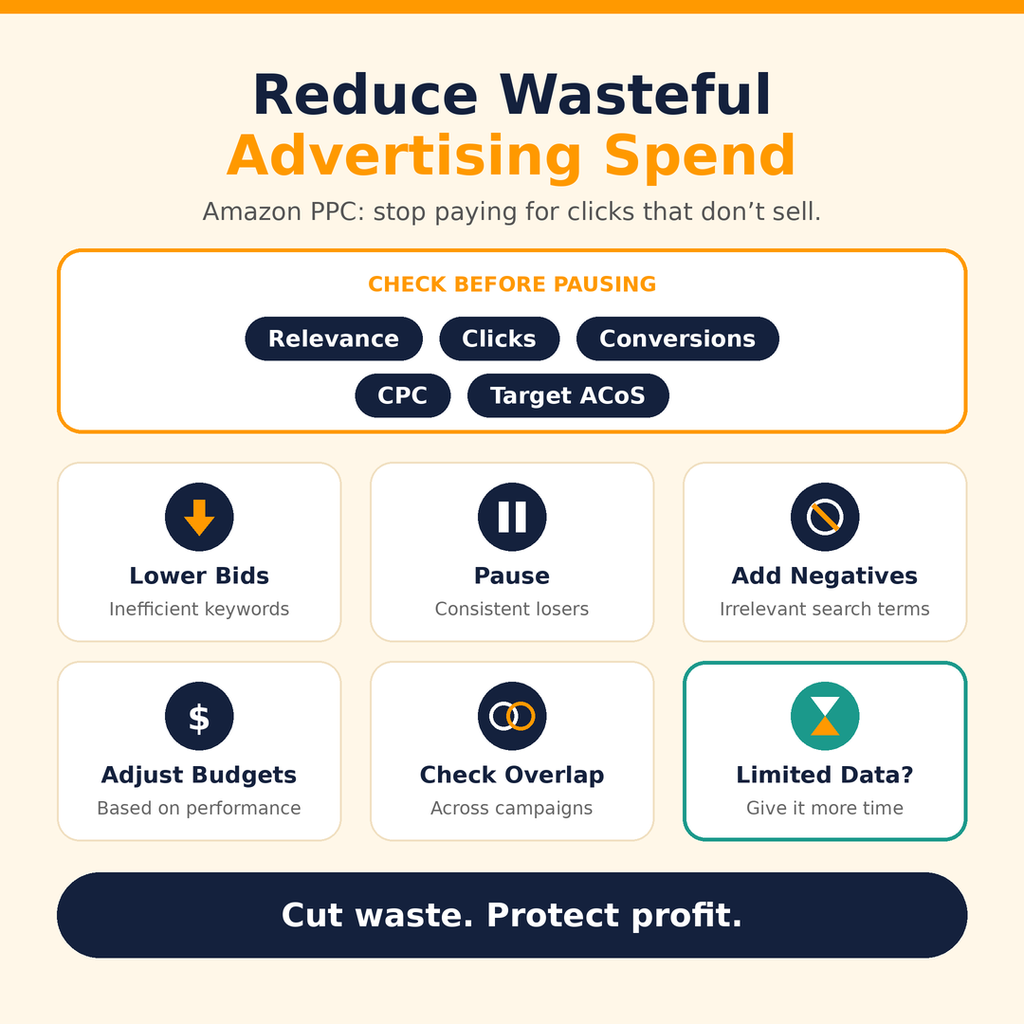
Before pausing a keyword, consider its relevance, number of clicks, conversion history, CPC, and target ACoS. A keyword with limited data may need more time, while a clearly irrelevant search term can be excluded sooner.
Possible actions include:
- Lowering bids on inefficient keywords
- Pausing consistently poor performers
- Adding irrelevant search terms as negative keywords
- Adjusting campaign budgets based on performance
- Reviewing targeting overlap across campaigns
Use negative exact match or negative phrase match when appropriate to prevent ads from appearing for unwanted searches.
3. Improve Your Listing Using PPC Insights
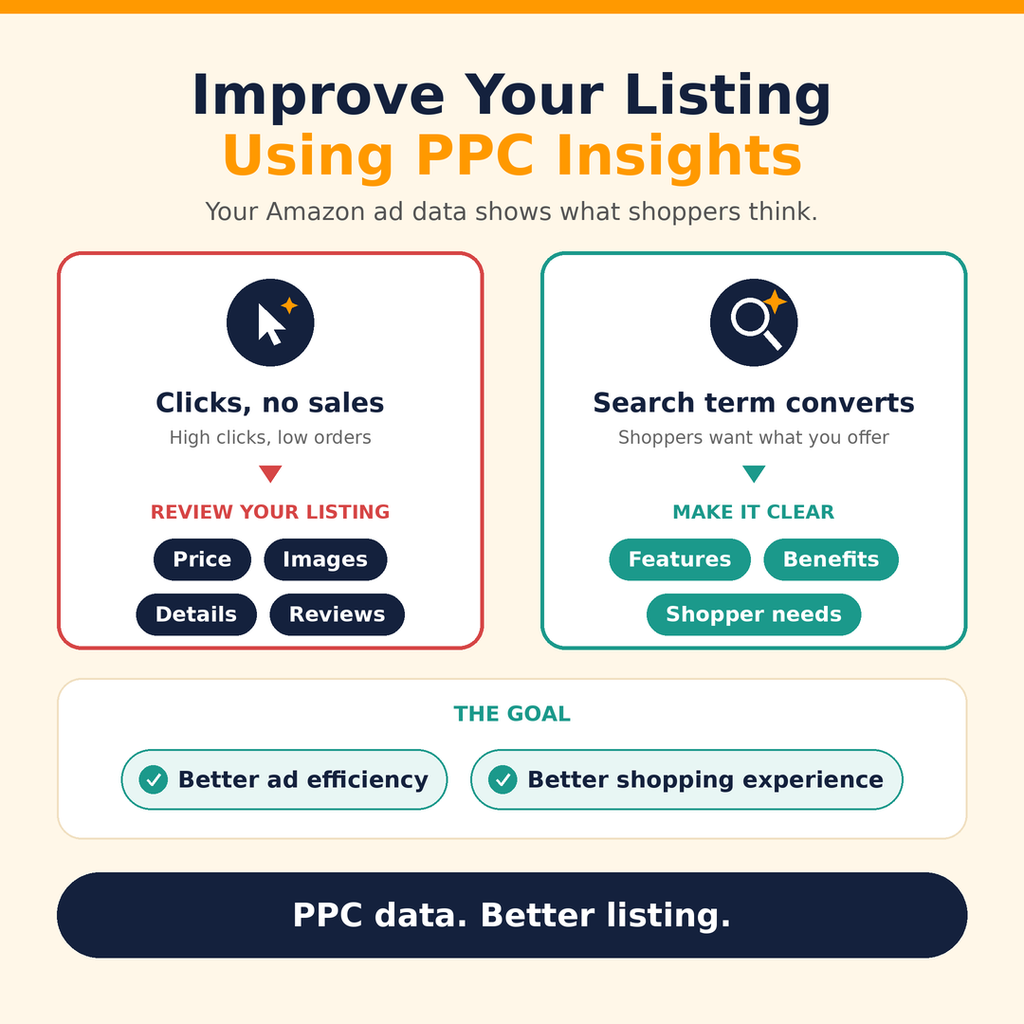
Use your advertising data to identify potential listing issues.
If shoppers frequently click your ads but don’t purchase, review the product page, price, images, product details, and customer feedback.
If particular search terms convert well, consider whether your listing clearly communicates the features and benefits those shoppers are looking for.
The objective is to improve both advertising efficiency and the overall shopping experience.
Days 61–90: Scale What Works
By the third month, you may have enough data to identify stronger keywords, campaigns, and targeting opportunities. This is the stage to consider scaling—but only where performance supports it.
1. Increase Budgets Gradually
Allocate more budget to campaigns that consistently generate sales within your efficiency targets.
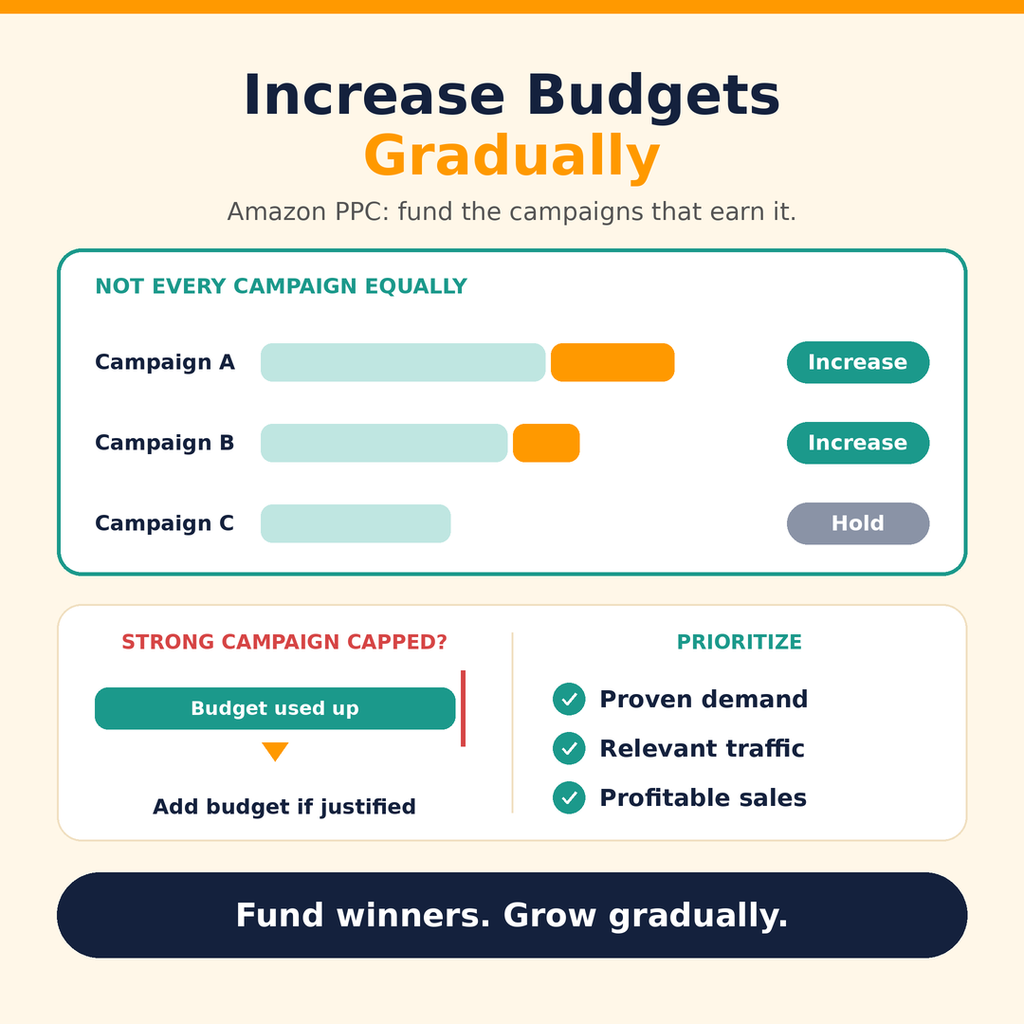
Avoid increasing every campaign’s budget equally. Prioritize campaigns with proven demand, relevant traffic, and the potential to generate additional profitable sales.
Also, check whether strong campaigns are running out of budget. If they are, a budget increase may help capture more traffic, provided the additional spend is justified.
2. Optimize Bids and Placement Adjustments
Review CPC, ACoS, conversion rates, and placement performance before changing bids.
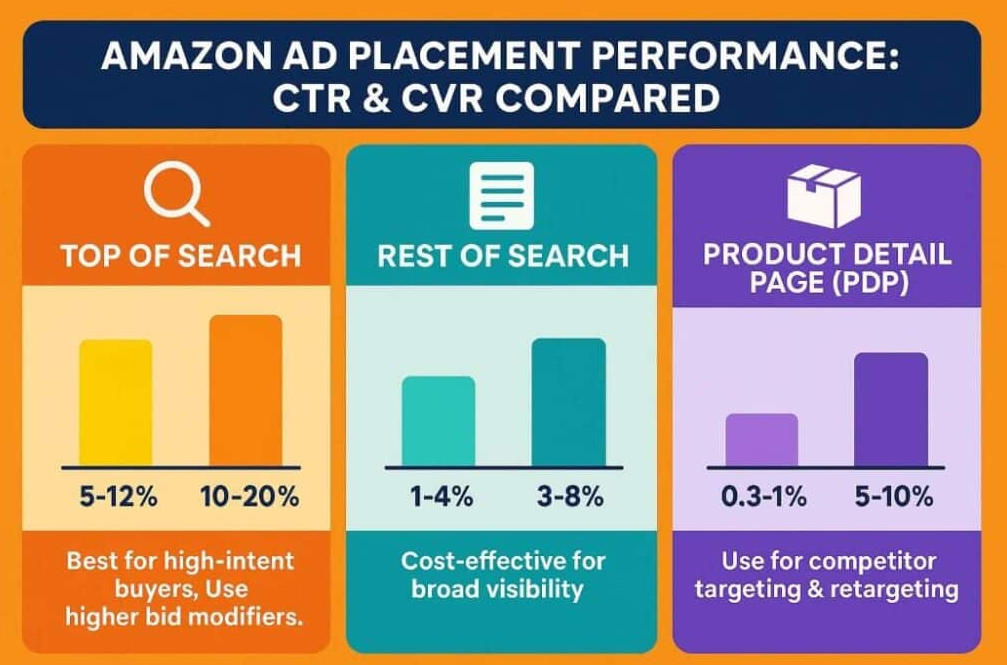
If a keyword generates efficient sales, test gradual bid increases when additional visibility is likely to be worthwhile. If costs rise without a corresponding improvement in sales, consider reducing bids or adjusting placement strategies.
Remember that higher bids don’t guarantee better profitability or higher organic rankings.
3. Expand Keyword Coverage Carefully
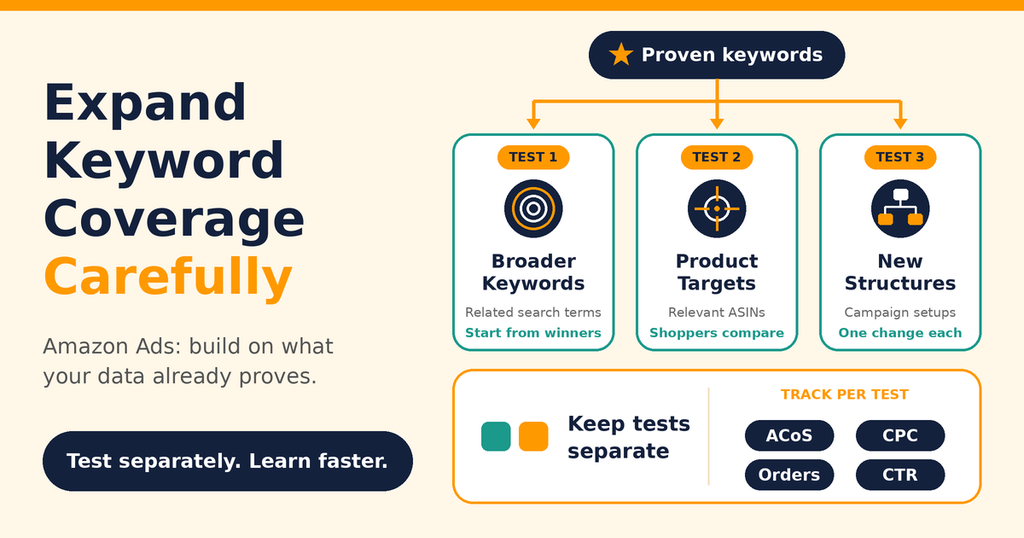
Once you understand which keywords work, use your findings to explore related search terms and additional targeting opportunities.
You can test broader keywords, additional relevant product targets, and new campaign structures. Keep these tests separate where practical so you can evaluate their results clearly.
The key principle is simple: scale validated opportunities, not assumptions.
Key Amazon PPC Metrics to Monitor During the First 90 Days
| Metric | What it tells you | How to use it |
| Impressions | How often your ad is shown | Evaluate visibility and reach |
| CTR | How often shoppers click your ad | Assess relevance and appeal |
| CPC | Average cost per click | Monitor traffic costs |
| Conversion rate | Percentage of clicks that convert | Evaluate sales effectiveness |
| ACoS | Ad spend as a share of attributed sales | Assess advertising efficiency |
| TACoS | Ad spend as a share of total sales | Evaluate advertising spend relative to overall sales |
| Total sales | Overall product sales | Understand broader business performance |
Don’t evaluate any single metric in isolation. For example, a lower ACoS may look positive, but if sales volume falls substantially, the overall business impact may be less favorable.
Similarly, TACoS can provide useful context, but changes in total sales, organic sales, pricing, and inventory can influence the metric.
Your targets should reflect your product’s margins, launch objectives, and business goals.
A Practical 90-Day Amazon Product Launch Plan
Here’s a simple overview of how to structure your Amazon PPC launch strategy.
Days 1–30: Discover
- Launch campaigns using highly relevant keywords.
- Use automatic targeting to discover search terms.
- Monitor clicks, CPC, orders, and conversion rates.
- Review listing performance and customer feedback.
- Identify early keyword opportunities.
Days 31–60: Optimize
- Separate stronger search terms from weaker performers.
- Add relevant converting terms to manual campaigns.
- Reduce bids or pause inefficient targets when supported by data.
- Add negative keywords to control irrelevant traffic.
- Improve listing content and evaluate pricing.
Days 61–90: Scale
- Increase budgets for proven campaigns gradually.
- Refine keyword bids and placement strategies.
- Expand keyword and product targeting selectively.
- Monitor ACoS, TACoS, conversion rates, and total sales.
- Continue testing and adjusting based on performance.
This framework should remain flexible. Products with limited traffic may need a longer discovery period, while products with strong early demand may be ready for optimization sooner.
Final Thoughts: Build a Strong Foundation Before Scaling Amazon PPC
A successful Amazon product launch isn’t simply about turning on advertising and spending aggressively. It’s about understanding your customers, collecting meaningful data, and making decisions based on what your campaigns reveal.
During the first 30 days, focus on discovery. During days 31–60, optimize based on performance. During days 61–90, scale the keywords and campaigns that have demonstrated reliable results.
Most importantly, don’t increase your bids or double your budget simply because sales are slower than expected.
Before scaling, ask yourself: Do I know which keywords are converting, which campaigns deserve more budget, and where I’m wasting money?
If the answer is no, your next step may not be to spend more. It may be to collect better data and improve your strategy.
Follow this approach to build a stronger foundation for Amazon PPC optimization, manage your launch budget more effectively, and give your product a better opportunity to grow over time.
More Amazon PPC resources from Ecomclips
For more Amazon advertising tutorials and updates, visit these Ecomclips resources:
- Watch new videos on the Ecomclips YouTube channel.
- Browse articles on the Ecomclips blog.
- Follow updates on the Ecomclips Facebook page.
- Connect with Ecomclips on LinkedIn.
Questions about an account review or a free audit can be sent to info@ecomclips.com.