
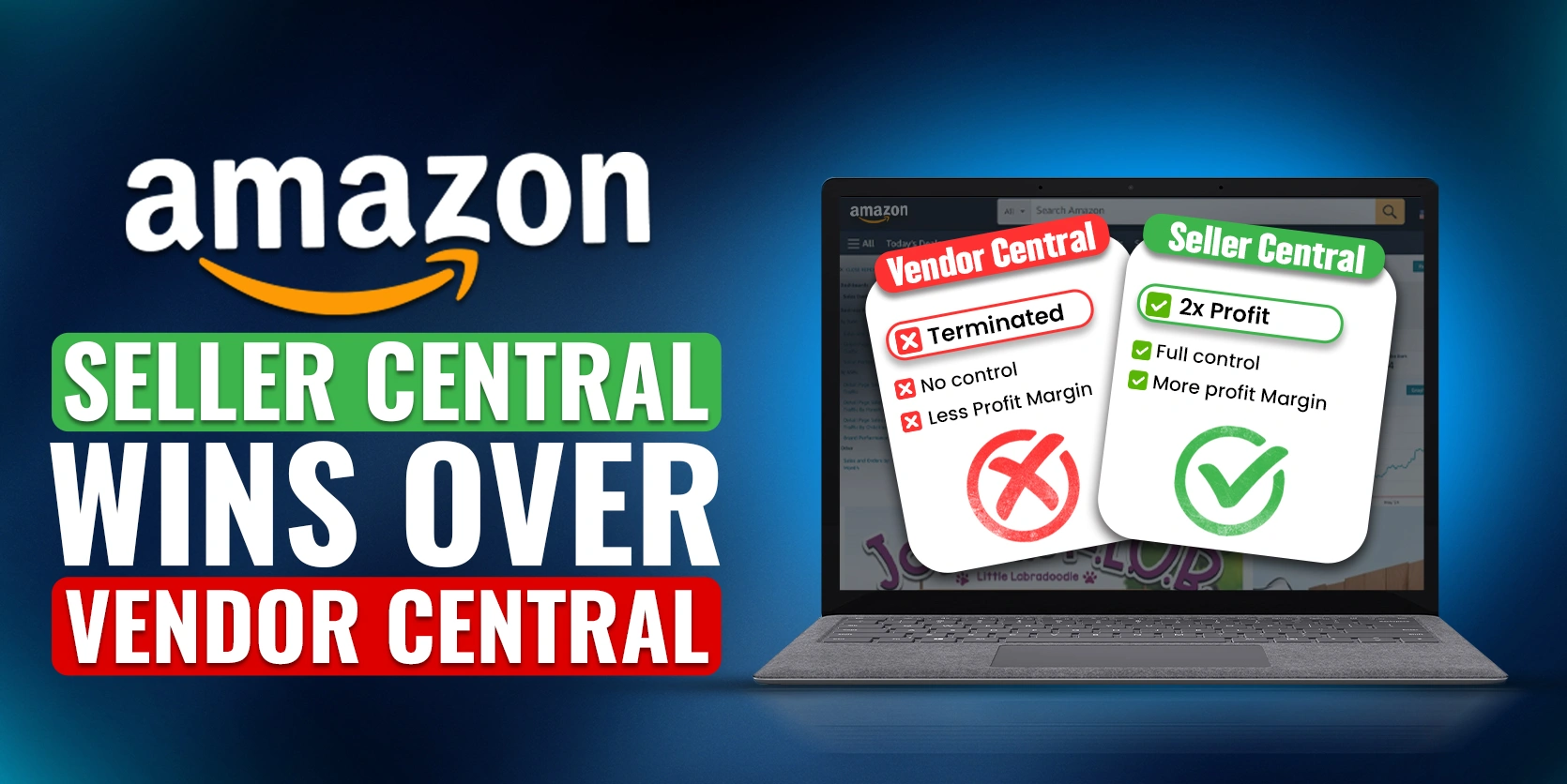
Amazon Vendor Central is undergoing major changes, with many vendors receiving termination notices. For vendors looking to secure their business, moving to Amazon Seller Central may be the best solution. This article explores the steps and benefits of transitioning from Vendor Central to Seller Central, providing an actionable guide to help you maximize profits and control over your listings. For vendors, this shift could mean doubling profit margins, as Seller Central allows greater control over pricing, listings, and customer interactions. In this blog, we’ll walk through why and how to make this transition, covering essential steps, setup, and optimization tips for Seller Central.
Why Switch from Vendor Central to Seller Central?
Vendor Central has long been a go-to option for brands selling on Amazon, but it comes with limitations:
1. Lack of Control: Amazon controls pricing, discounts, and inventory, limiting vendor autonomy.
2. Uncertain Future: With vendor account terminations on the rise, switching may be the only viable choice.
3. Potentially Higher Profits: Sellers in Seller Central can expect profit margins of up to 50%, while Vendor Central averages only 10-15%.
If you’re still undecided, this detailed comparison of Seller Central benefits might convince you.
Seller Central Benefits Over Vendor Central

Switching from Vendor Central to Seller Central is not only about regaining control but also about increasing profitability. Here’s why Seller Central could be a game-changer:
– Full Control Over Pricing: Unlike Vendor Central, where Amazon sets the price, Seller Central allows you to decide pricing for better profit margins.
– Direct Customer Interaction: Seller Central gives sellers access to customer data, allowing for targeted marketing and promotions.
– Quicker Payment Cycles: Vendor Central payments are often delayed, while Seller Central provides faster payment terms.
– Greater Brand Recognition: You have more flexibility to showcase your brand identity through optimized listings.
For sellers interested in generating external traffic to Amazon listings, this guide on driving external traffic to Amazon can provide helpful tips.
Transitioning from Vendor to Seller Central
Ready to make the switch? Follow these steps for a smooth transition:
1. Choose Fulfillment Method: FBA vs. FBM
– Fulfillment by Amazon (FBA): Amazon handles storage, packing, and shipping for a fee, which is often ideal if you want to avoid managing logistics.
– Fulfilled by Merchant (FBM): If you already have a reliable logistics setup, FBM might save on fees.
2. Create a Seller Central Account
Visit Amazon Seller Central, and click “Sign Up.” Follow the instructions to set up your account, providing the necessary business details. This account gives you access to tools, including Amazon PPC, to help with ads and promotions.

3. Build New Listings
Each product you intend to sell requires its own optimized listing. This involves adding high-quality images, descriptions, and keywords that are competitive within your category.
– Product Titles: Use clear and relevant keywords to increase search visibility.
– Bullet Points: Highlight key features and benefits to capture customer attention.
– Description: Add detailed information and ensure it aligns with customer expectations.
Check out our Amazon AR guide for using 3D content to enhance listings.

4. Setting Up Your FBA Account
For those choosing FBA, setting up your FBA account involves creating a shipping plan and sending inventory to Amazon’s fulfillment centers. Here are the steps:
– Shipping Plan: Map out how much inventory you plan to send and where it’s headed.
– Preparation: Follow Amazon’s guidelines to prepare and label products.
– Ship to Amazon: Send products to Amazon’s designated fulfillment centers.

5. Cancel Vendor Central Purchase Orders
With Vendor Central, you may need to cancel any existing purchase orders and redirect stock to Seller Central. This requires coordinating inventory logistics, especially for sellers with large quantities in Amazon’s warehouse.
Optimizing for Seller Central Success
After setting up, success on Seller Central involves constant optimization. Here are several critical areas to focus on:
1. Pricing and Inventory Management
Now that you control pricing, monitor competitor prices to stay competitive and adjust your pricing strategy accordingly. Also, maintain a healthy inventory level to avoid stockouts, which can negatively affect your search ranking.

2. Sponsored Ads and Promotions
Utilize Amazon PPC to reach new customers and boost sales. Seller Central gives you full access to Amazon PPC tools to run targeted ads and control ad spending, improving your chances of appearing at the top of search results.
For more strategies on Amazon ads, check out our Amazon BSR guide.

3. Product Listing Optimization
Optimize your product listings by adding high-quality images, keyword-rich titles, and engaging descriptions. Focus on the following for maximum impact:
– High-Resolution Images: These catch customers’ attention and improve click-through rates.
– Keyword Research: Use tools like Helium 10 to identify relevant, high-ranking keywords.
– Clear Descriptions: Address common customer concerns and provide compelling reasons to buy.
Advanced Tips for Seller Central Success
1. Adjusting for Seasonality
Amazon sales fluctuate by season. Planning promotions around key events like Black Friday and Cyber Monday can boost sales significantly. Our Q4 guide offers tips for maximizing holiday season sales.

2. Enhanced Customer Service
With Seller Central, customer service is in your hands. Quick responses and prompt issue resolution can improve your seller rating and encourage repeat customers. Offering seamless customer service, responding to reviews, and addressing issues promptly will foster positive feedback and higher ratings.
Conclusion
Switching from Vendor Central to Seller Central is a strategic move for vendors seeking control, flexibility, and higher profits on Amazon. While Seller Central requires additional setup and consistent management, it offers far greater control over pricing, inventory, and branding.
If you need assistance navigating the Amazon marketplace, reach out to Ecomclips for expert help. From setting up listings to managing PPC ads, we offer the support you need to succeed in Seller Central. For a more personalized approach, email us at info@ecomclips.com. Don’t wait—start your Seller Central journey today and watch your business thrive.